BISP 2026 Payment Collection Guide – How Receive Payment in JazzCash and EasyPaisa
BISP 2026 Payment Collection Guide
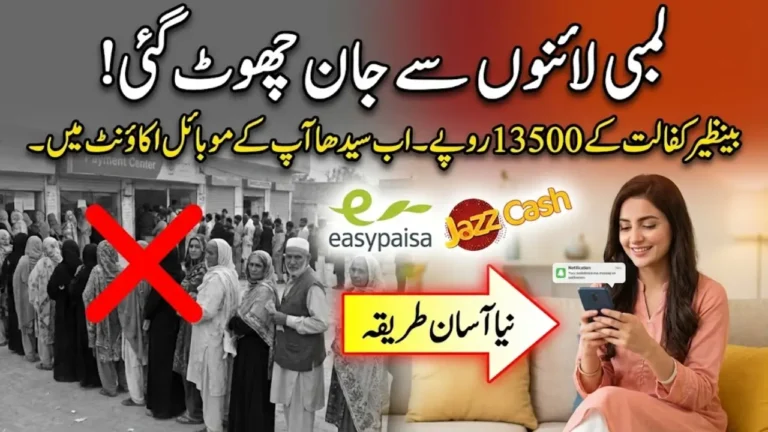
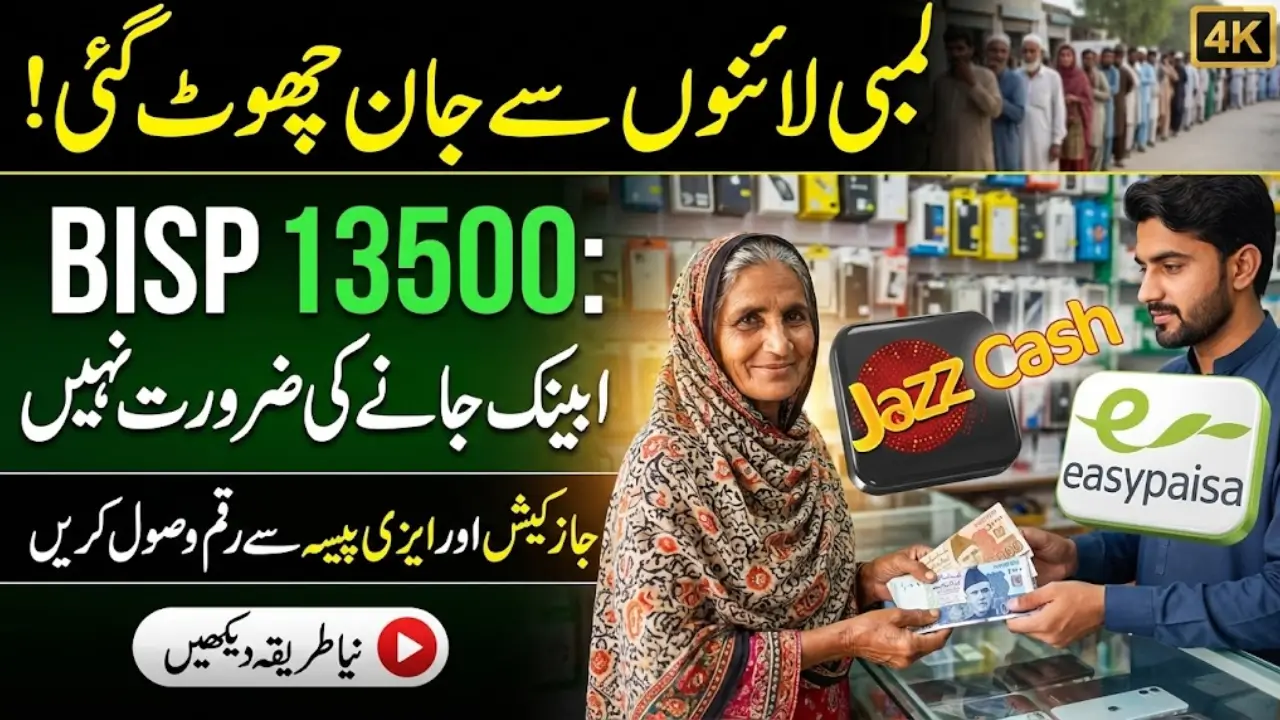
The long wait for the BISP 2026 payment is finally over and this time, the government has made it much easier for beneficiaries to receive their installment. Instead of standing in long queues or traveling miles to government camps, you can now collect your full payment directly through JazzCash or Easypaisa, right from your local shop. This digital upgrade is already live across Pakistan and is especially helpful for women, low-income families, and people in rural areas.
Digital Payment System
Easier, faster, and secure BISP payments

- Collect via JazzCash or Easypaisa
- No long travel or queues
- Full payment with biometric verification
- Available nationwide, urban & rural areas
Step 1: Wait for SMS
Do not visit agent before 8171 confirmation
- Receive official SMS on registered mobile
- Only proceed once payment approved
Step 2: Prepare Documents
Necessary documents for withdrawal
- Original CNIC
- Registered mobile number
- 8171 payment confirmation SMS
- Be present for biometric verification
Step 3: Visit Agent
Authorized JazzCash/Easypaisa outlet
- Nearest outlet to your location
- Provide CNIC and scan fingerprints
- Receive cash or wallet transfer
- SMS receipt confirms transaction
Alternative: Mobile Wallet
Direct transfer to JazzCash/Easypaisa account
- Money can be used for bills or shopping
- Withdraw anytime as cash
- Ideal for women & elderly beneficiaries
Safety & Troubleshooting
Avoid common payment issues
- Biometric mismatch – retry or visit another outlet
- No SMS – wait for confirmation
- Agent fees are illegal – report to 0800-26477
- SIM not registered – update before visit
Quick Actions / Key Points
- Wait for 8171 SMS before visiting agent
- Carry CNIC and registered mobile
- Complete biometric verification at outlet
- Save SMS receipt as proof of payment
This new facility is a big relief for beneficiaries who often struggled with delays, biometric issues, or agent deductions in the past. With biometric verification, 8171 SMS confirmation, and a few basic documents, your Benazir Income Support Program (BISP) installment can now be withdrawn quickly and securely without any hidden fees or complicated steps. Here’s everything you need to know to get your 2026 BISP payment smoothly through JazzCash and Easypaisa.
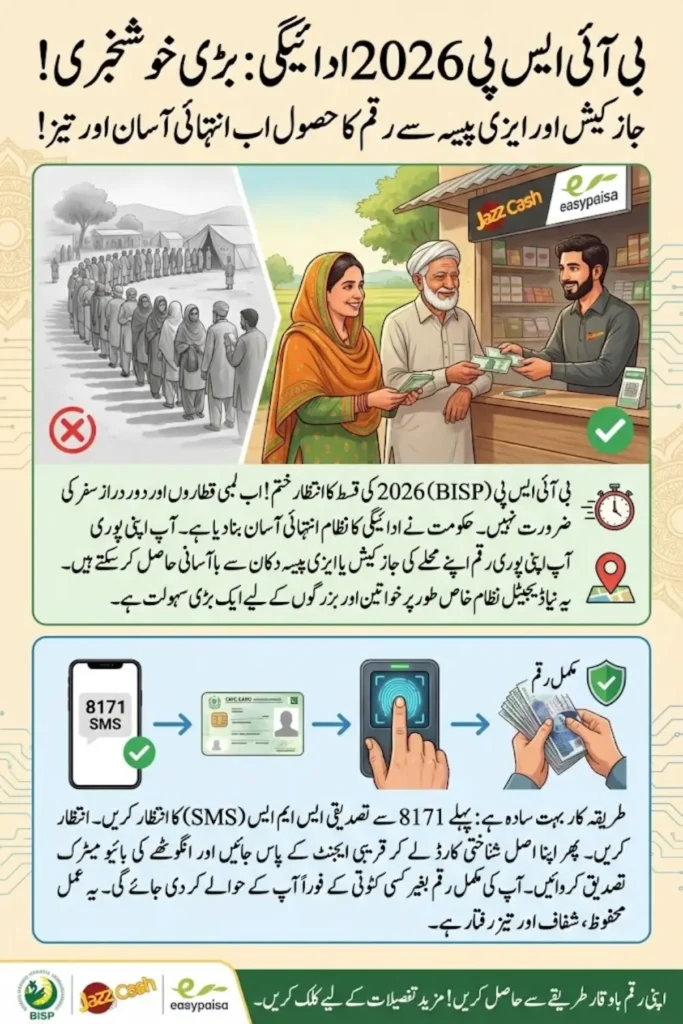
New Digital System: Easier and Faster Payments for BISP Beneficiaries
The government’s new digital payment system has completely changed how BISP installments are distributed. Now, instead of visiting payment centers, you can go to your nearest JazzCash or Easypaisa agent and collect your payment within minutes. This system ensures:
- Convenience: No long travel or waiting in lines.
- Security: Funds are released only after biometric verification.
- Transparency: Full amount reaches you directly with no deductions.
- Accessibility: Agents are available in almost every city, town, and village.
- Flexibility: Money can be kept in your mobile wallet or withdrawn as cash anytime.
This step is part of Pakistan’s push toward financial inclusion and digital empowerment, ensuring that every deserving family can access support with dignity.
Also Read: Changan Reduces Prices in Pakistan Oshan X7 and Alsvin Black Series Get Massive Discounts
Step-by-Step: How to Collect BISP 2026 Payment
Here’s the official and verified process for receiving your payment from JazzCash or Easypaisa. Follow these steps carefully to avoid any issues:
1. Wait for the Official 8171 SMS
Do not visit any agent until you receive the 8171 confirmation message on your registered mobile number. This SMS means your payment has been approved and is ready for withdrawal.
2. Prepare Required Documents
Before visiting the outlet, make sure you have:
- Your original CNIC (Computerized National Identity Card)
- Mobile number registered under your CNIC
- 8171 payment confirmation SMS
- Yourself present for biometric fingerprint verification
3. Visit the Nearest JazzCash or Easypaisa Outlet
Agents are available in almost every rural and urban area, so choose one closest to you. Make sure it’s an authorized payment center.
4. Biometric Verification
Provide your CNIC to the agent, and scan your fingerprints on the biometric device. This step ensures the payment goes to the correct person and prevents fraud.
5. Receive Payment and Confirmation
Once the verification is successful, the agent will hand over your payment. You’ll also receive an SMS receipt confirming the transaction and the amount received.
Also Read: CM Nigehban Card Program 2026 8070 PSER Registration, Eligibility Rules, and ATM Card Details
Option 2: Direct Transfer to Your Mobile Wallet
You don’t always need to take cash immediately. You can also link your CNIC to your JazzCash or Easypaisa mobile account and receive the installment directly into your wallet. Once the payment arrives, you’ll get an SMS alert, and the money can be used for:
- Utility bill payments
- Mobile recharge
- Online shopping
- Or withdrawn in cash at any time
This option is especially useful for women and elderly beneficiaries who prefer to keep their money safe and avoid carrying cash.
Old vs. New BISP Payment System (Quick Comparison)
| Feature | Old Method (Camps) | New Digital Method (JazzCash/Easypaisa) |
|---|---|---|
| Travel | Long travel to centers | Local agent near your home |
| Waiting Time | Hours in long queues | 5-10 minutes |
| Deductions | Risk of agent cuts | Full amount guaranteed |
| Safety | Carrying large cash amounts | Secure mobile wallet |
| Accessibility | Limited to cities | Available in rural areas too |
Checklist: Documents Needed to Collect BISP Payment
| Document | Purpose |
|---|---|
| Original CNIC | Identity verification |
| Registered Mobile Number | Account linking and SMS alerts |
| 8171 Confirmation SMS | Proof that payment is ready |
| Biometric Verification | Ensures payment goes to the right person |
Troubleshooting: Common Issues & Easy Fixes
Even though the new system is much smoother, you might face minor issues. Here’s how to solve them:
- Biometric mismatch: Wash and dry your hands, then try again. If it still fails, visit another outlet.
- No 8171 SMS received: Do not visit an agent until the confirmation arrives.
- Agent demands a fee: All payments are free. Report such cases to the BISP Helpline (0800-26477).
- SIM not registered with CNIC: Update your SIM information at your mobile operator’s office before visiting.
Also Read: Old Beneficiaries Alert: BISP 8171 Re-Verification Started February 2026
Safety Tips for Collecting BISP Payment
- Only visit authorized JazzCash and Easypaisa agents.
- Do not share your PIN code or SMS details with anyone.
- Always count your cash before leaving the outlet.
- Save the confirmation SMS as proof of payment.
Support & Helplines for Assistance
If you face delays, technical issues, or payment errors, you can contact:
- BISP Tehsil Office in your district
- BISP Helpline: 0800-26477
- JazzCash Customer Care or Easypaisa Support Centers
They can guide you through payment recovery, verification issues, or blocked accounts.
Conclusion:
The introduction of JazzCash and Easypaisa for BISP 2026 payments marks a major step forward in simplifying the process for millions of Pakistani families. It eliminates long travel, agent deductions, and unnecessary delays, replacing them with fast, secure, and transparent digital payment options.
If you follow the simple steps wait for your 8171 SMS, carry your CNIC, and complete biometric verification you’ll receive your full payment quickly and safely. This initiative is not just about cash support; it’s about empowering low-income families with dignity, choice, and financial control.
FAQs – Common Questions About BISP 2026 Payment
Q1: Can I collect BISP payment without CNIC?
No. Your original CNIC is mandatory for verification and withdrawal.
Q2: Is there any fee for receiving payment through JazzCash or Easypaisa?
No. All BISP payments are free, and you receive the full amount without deductions.
Q3: What if biometric verification fails?
Try again with clean fingers. If the issue persists, visit another agent or the nearest BISP Tehsil Office.



Q4: Can I keep my payment in my JazzCash or Easypaisa wallet?
Yes, you can store the money in your mobile wallet and use it for bills, shopping, or withdrawal later.
Q5: How do I know if my payment is ready?
Wait for the 8171 confirmation SMS. Without this message, the payment cannot be collected.